
 Add to Chrome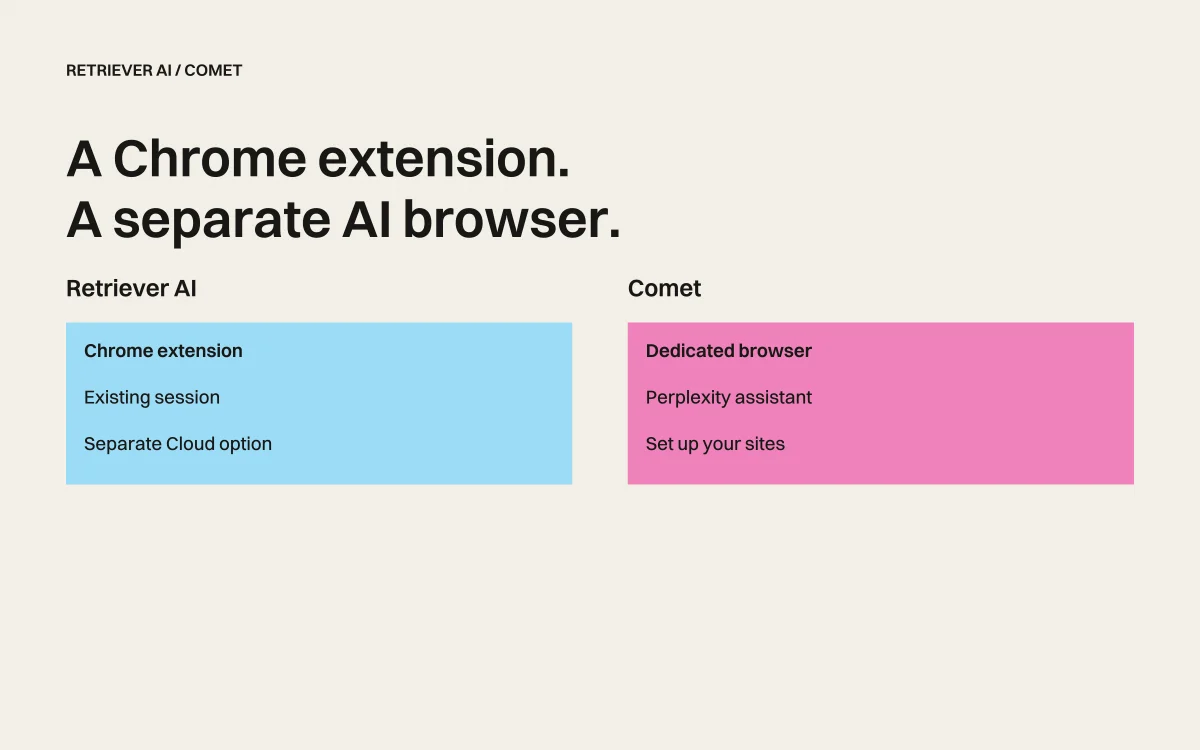
Retriever AI (rtrvr.ai) adds a free AI browser agent to Chrome. Comet is Perplexity’s separate browser with a built-in assistant. Both can take actions on websites; the first decision is whether you want to keep your current browser or move to another one.
A research summary and a completed form are different results. Choose a tool by the task you repeat, not just the polish of its first answer.
Comet is available free
Perplexity announced a free worldwide Comet download in October 2025. It is no longer accurate to describe the browser as requiring a $200 subscription. Free download does not establish unlimited assistant usage or access to every paid feature. Perplexity’s announcement
Checked September 22, 2026: Comet remains a separate browser with a built-in assistant. Use its current product and account information to check supported devices and assistant limits. Comet, setup guide
What changes in your setup?
| Decision | Retriever AI | Comet |
|---|---|---|
| Browser | Add an extension to Chrome | Install the Comet browser |
| Existing signed-in sites | Use the Chrome session you already have | Set up the sites you need in Comet |
| Free entry | Supported Free Mode tasks with sponsored cards and a daily allowance | Free browser download; check assistant access in your account |
| Tasks from code or another assistant | Dedicated API and MCP paths | Evaluate separately from the browser’s consumer features |
This table compares setup and documented access. We have not run a new matched benchmark of the current products.
Compare one useful result
Open the same three pricing pages in each product. Ask for the plan, currency, billing interval, and included usage. Include a source URL and date for every row.
Then check the result yourself. Did the agent mix annual and monthly prices? Did it notice a different currency? Did it mark an unavailable number as unknown? Our pricing comparison tutorial includes a checked example and a CSV you can inspect.
For actions, choose an owned practice form with fictional data. Request a pause before submission. A good research answer does not prove a tool will fill your portal correctly.
When each makes sense
Try Comet first if you want a browser centered on Perplexity’s assistant and are comfortable setting up your browsing there. Try Retriever AI if keeping your existing Chrome session matters, or if you also need a separate Cloud, API, or MCP path.
For recurring checks in Retriever, schedules require a paid plan. One-time research and unattended monitoring are separate purchasing decisions.
Watch the earlier product walkthrough
From the archive: Retriever v2 walkthrough.
An earlier product walkthrough. Setup, plans, and Free Mode have changed since this recording; use the current access details in this article and on the pricing page.
Free Mode in Retriever
Free Mode includes supported AI models and Cloud browser time for tasks you start in the extension or Cloud dashboard. No AI API key or paid AI subscription is required. Sponsored cards and a daily fair-use allowance apply. Free Mode in the Chrome extension involves sponsored content. In Cloud, it also includes a license to use anonymized task records and derived products, as described in the Terms and Privacy Notice.
Read the current plan details, then try a small task in Chrome. Judge the checked result and the interventions it required.


