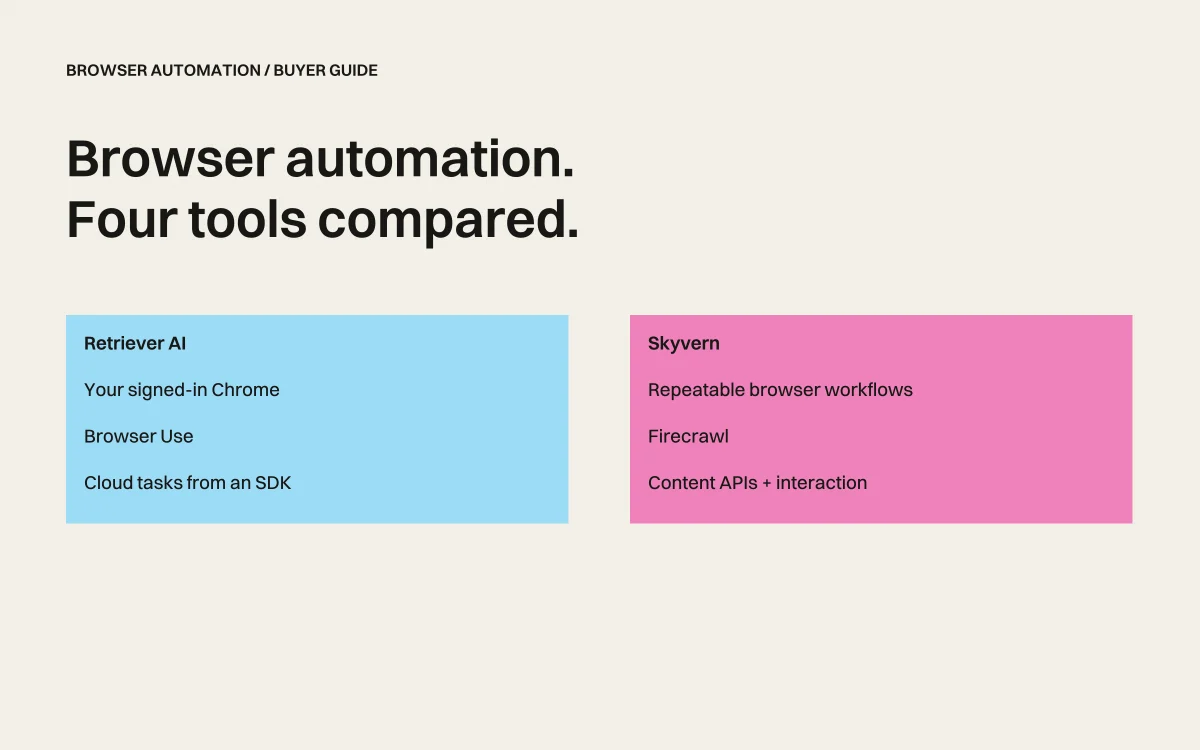
rtrvr.ai vs Browser Use vs Skyvern vs Firecrawl: The Benchmark-Proven Winner (December 2025)
You're building AI-powered web automation and drowning in choices. Browser Use promises natural language control. Skyvern claims computer vision superiority. Firecrawl extracts content efficiently. But when we ran the industry-standard Halluminate Web Bench, only one agent achieved 81.39% success rate while being 25x cheaper than the competition. Here's the data-driven comparison that cuts through marketing claims.
TLDR:
- rtrvr.ai: 81.39% success rate on Web Bench, $0.12 per task, using only Gemini Flash
- Browser Use: Python library requiring infrastructure setup, high LLM costs, CDP-based detection issues
- Skyvern: Computer vision approach with ~64% success rate, higher costs, slower execution
- Firecrawl: Static extraction only, cannot interact with forms or dynamic elements
- Winner: rtrvr.ai delivers SOTA performance at 1/25th the cost through DOM intelligence
What is rtrvr.ai?
rtrvr.ai achieved the highest success rate (81.39%) on the Halluminate Web Bench using just Gemini Flash. Unlike single-tool competitors, rtrvr.ai is a holistic platform combining:
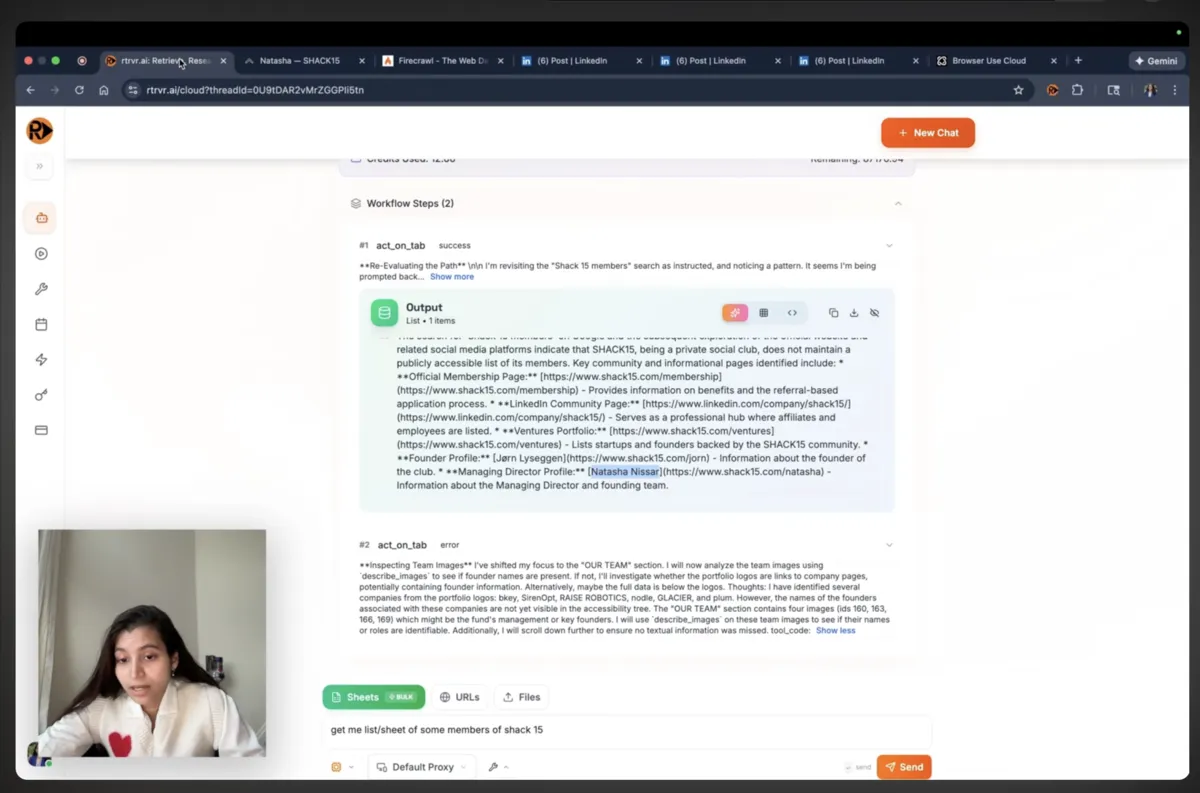
- Chrome Extension: Uses native APIs (no Debugger permission that triggers bot detection)
- Cloud API: Scale to thousands of parallel browsers
- WhatsApp Bot: Launch automations on-the-go
- MCP Server: Remote trigger extension from scripts/n8n
The system avoids CDP detection issues while enabling parallel tab execution through Smart DOM Trees—structured semantic representations that work without screenshots.
What is Browser Use?
Browser Use is an open-source Python library that translates natural language commands into browser actions. Built on Playwright, it connects to LLM providers to interpret instructions and interact with web pages through CDP (Chrome DevTools Protocol).
The library analyzes HTML to identify elements and determine actions, requiring developers to manage Python environments, browser instances, and LLM API costs. While flexible for developers comfortable with code, it inherits all the detection vulnerabilities and resource overhead of CDP-based automation.
What is Skyvern?
Skyvern automates browsers using computer vision and LLMs to identify elements visually rather than through selectors. The system takes screenshots, analyzes them with vision models, and executes actions based on visual understanding.
This approach aims to handle layout changes better than selector-based tools, but requires expensive vision model API calls for every action. The screenshot-analyze-act loop introduces significant latency and costs while achieving around 64% success rate on standard benchmarks.
What is Firecrawl?
Firecrawl is a web scraping API that converts pages to markdown or structured JSON. It handles JavaScript rendering and can crawl entire sites, but fundamentally cannot interact with pages—no clicking, no form filling, no authentication.
While efficient for static content extraction, Firecrawl cannot handle the dynamic, interactive workflows that define modern web automation needs. It's a data extraction tool, not an automation platform.
The Benchmark That Changes Everything
Before diving into features, let's look at objective performance data from the Halluminate Web Bench—the industry standard for evaluating AI web agents:
| Agent | Success Rate | Avg Time | Cost/Task | Model Used |
|---|---|---|---|---|
| rtrvr.ai | 81.39% | 0.9 min | $0.12 | Gemini Flash |
| OpenAI CUA | 59.8% | 10.1 min | ~$0.50 | GPT-4V |
| Anthropic CUA | 66.0% | 11.81 min | ~$0.80 | Claude 3 |
| Skyvern | 64.4% | 12.49 min | ~$1.00 | GPT-4V |
| Browser Use Cloud | 43.9% | 6.35 min | ~$0.30 | Various |
rtrvr.ai isn't just marginally better—it's in a different league entirely.
The Holistic Platform Advantage
While competitors offer single tools, rtrvr.ai provides an integrated ecosystem that works together seamlessly:
🔒 Secure Browser Extension (No Debugger Permission)
- Scrape behind logins on banking, LinkedIn, internal tools
- Zero bot detection - doesn't use Debugger permission like other extensions
- Test and perfect prompts before scaling to cloud
- Record demonstrations that can be replayed at scale
☁️ Cloud Infrastructure
- Scale proven workflows from extension to thousands of parallel browsers
- Schedule monitoring to track changes and append data
- API access for programmatic control
📱 WhatsApp Bot
- Launch automations on-the-go from your phone
- Get results delivered directly to WhatsApp
- No laptop required for urgent tasks
🔌 MCP Server & API
- Remotely trigger extension from scripts, n8n, or any automation
- Browser becomes an API endpoint while maintaining your sessions
- Orchestrate complex workflows combining local and cloud execution
This ecosystem approach means you can:
- Develop locally with the extension on protected sites
- Perfect your automation with real sessions and data
- Scale to cloud for production workloads
- Monitor continuously with scheduled runs
- Access anywhere via WhatsApp or API
Technical Architecture Comparison
The CDP Problem (Browser Use, Skyvern, Others)
Browser Use, Skyvern, and most automation tools rely on Chrome DevTools Protocol (CDP) via Puppeteer or Playwright. This creates fundamental problems:
Detection vulnerabilities:
- CDP adds detectable JavaScript objects (
window.cdc_adoQpoasnfa76pfcZLmcfl_*) - Sets
navigator.webdriverflag to true - Creates unique browser fingerprints
- Blocked by Cloudflare, PerimeterX, DataDome
Operational issues:
- WebSocket connections drop frequently
- High memory usage (200MB+ per browser)
- Session crashes require full restart
- Cannot parallelize without massive resources
rtrvr.ai's Chrome Extension Advantage
rtrvr.ai bypasses CDP entirely, using native Chrome Extension APIs:
Your Browser → Chrome Extension APIs → Direct DOM Access
↓ (No CDP) ↓
Undetectable Zero WebSocket Risk Parallel Execution
Benefits:
- Zero automation fingerprint—indistinguishable from human browsing
- Survives page crashes—extension remains active
- Parallel tab execution—10+ concurrent automations in one browser
- Works on protected sites—banking, LinkedIn, government portals
Vision Models vs DOM Intelligence
Skyvern's Computer Vision Approach:
Screenshot → Vision Model Analysis → Pixel Coordinates → Click
2-3s $0.10-0.30 Error-prone Slow
rtrvr.ai's Smart DOM Trees:
Live DOM → Semantic Tree → Element ID → Direct Interaction
<0.1s Cached Exact Instant
The difference is dramatic:
- No OCR errors from misreading text in images
- No missed elements hidden by overlays or popups
- No hallucinations about non-existent buttons
- Works in any language—DOM text is Unicode, not pixels
Data Extraction and Output Capabilities
rtrvr.ai
- Smart DOM Trees preserve full page structure and semantics
- Schema validation ensures consistent, typed outputs
- Parallel extraction from multiple sites simultaneously
- Direct Google Sheets integration for workflow automation
- Returns JSON, CSV, or writes directly to spreadsheets
Browser Use
- Unstructured LLM responses require custom parsing
- No built-in schema enforcement
- Output format depends on prompt engineering
- Additional code needed for data validation
Skyvern
- JSON/CSV output with schema support
- Includes extraction justifications
- Limited by what's visible in screenshots
- Cannot extract from dynamically loaded content efficiently
Firecrawl
- Excellent for static content to markdown/JSON conversion
- Schema-based extraction for consistent output
- Cannot handle any interactive elements
- No form filling, no authentication, no dynamic navigation
Handling Dynamic Sites and Authentication
This is where the platform approach shines:
rtrvr.ai
✅ Extension handles protected sites - Banking, LinkedIn, internal tools (no Debugger permission) ✅ Perfect locally, scale globally - Test with your sessions, deploy to cloud ✅ Processes infinite scroll and lazy-loaded content ✅ Navigates complex multi-step workflows ✅ Record once, replay at scale - Demonstrations become templates 🔜 Coming soon: Secure cookie syncing between cloud and extension
Browser Use
⚠️ Requires managing auth tokens in code ⚠️ CDP detection blocks many sites ❌ No local testing with real sessions ❌ Single execution model only
Skyvern
⚠️ Screenshot-based approach is fragile ❌ No local extension for protected sites ❌ Vision models struggle with complex forms
Firecrawl
❌ No interaction capabilities ❌ Read-only extraction only ❌ No platform ecosystem
Cost Analysis: The 25x Difference
Let's break down real costs for extracting data from 100 product pages:
rtrvr.ai
- Gemini Flash tokens: ~$0.05
- No vision model costs: $0
- No CDP infrastructure: $0
- Total: $0.12 per task
Browser Use
- LLM tokens (GPT-4): ~$0.30-0.50
- Infrastructure setup: Variable
- Maintenance overhead: High
- Total: $0.30-0.50+ per task
Skyvern
- Vision model calls: ~$0.50-0.80
- LLM reasoning: ~$0.20
- Infrastructure: Included
- Total: ~$1.00 per task
Firecrawl
- API calls: ~$0.10-0.20
- Limited to extraction only
- Total: ~$0.15 per task (but can't do automation)
Speed Comparison: Minutes vs Hours
For a workflow involving 10 sites with form submissions:
| Tool | Time | Why |
|---|---|---|
| rtrvr.ai | 9 minutes | Parallel DOM processing across tabs |
| Browser Use | 50-100 minutes | Sequential execution, LLM latency |
| Skyvern | 120+ minutes | Screenshot-analyze-act loop overhead |
| Firecrawl | N/A | Cannot perform interactions |
rtrvr.ai's parallel execution isn't just faster—it fundamentally changes what's possible in real-time automation.
Integration and Developer Experience
rtrvr.ai
# One-line API call from anywhere
curl -X POST https://api.rtrvr.ai/execute \
-H "Authorization: Bearer YOUR_KEY" \
-d '{"input": "Extract pricing from competitors", "urls": [...]}'
- REST API, no SDK required
- Works with n8n, Zapier, Make
- Chrome Extension for instant testing
- Same API for local and cloud execution
Browser Use
# Requires Python environment and setup
from browser_use import Agent
agent = Agent()
# Handle browser lifecycle, memory, errors...
- Python 3.11+ required
- Manage Playwright installation
- Handle LLM provider configuration
- Scale infrastructure yourself
Skyvern
- REST API or open-source deployment
- YAML workflow definitions
- Higher complexity for custom logic
- Separate configurations for vision and LLM
Firecrawl
- Simple REST API
- Great developer experience
- Limited to extraction use cases
- No automation capabilities
Why rtrvr.ai Wins: The Platform Advantage
1. No Debugger Permission = Undetectable
Extension uses native APIs, not Debugger permission that screams "bot" to websites.
2. Test Locally, Scale Globally
Perfect automations on protected sites with your sessions, then deploy to cloud at scale.
3. Record Once, Run Everywhere
Demonstrations become reusable templates across extension, cloud, API, and WhatsApp.
4. Complete Ecosystem
Extension + Cloud + WhatsApp + MCP/API = automation anywhere, anytime, at any scale.
5. DOM > Screenshots
Structured HTML beats pixels—faster, cheaper, more accurate, multilingual.
Real-World Success Metrics
From actual production usage:
- 15,000+ active users
- 212,000+ workflows executed
- 88.24% success rate on read tasks
- 65.63% success rate on write tasks
- 3.39% infrastructure error rate (vs 20-30% for CDP tools)
When to Choose Each Tool
rtrvr.ai - The Complete Platform
- Need to scrape behind logins (banking, LinkedIn, internal tools)
- Want to test locally then scale to cloud
- Require on-the-go automation via WhatsApp
- Need scheduled monitoring with data appending
- Production reliability (80%+ success) at scale
Browser Use - Python Library
- Python developers wanting code-level control
- Custom LLM logic between steps
- Willing to manage infrastructure
Skyvern - Vision-Based
- Specific visual reasoning needs
- Simple visually distinct elements
- Cost not a concern
Firecrawl - Static Extraction
- Content extraction only
- No interaction needed
- Building RAG datasets
Getting Started with rtrvr.ai
- Install Chrome Extension → Test instantly
- Generate API key → Programmatic access
- Scale to cloud → Thousands of parallel browsers
No infrastructure setup. No model selection. No detection workarounds.
The Verdict: Benchmarks Don't Lie
Marketing claims are easy. Benchmark results are hard:
- rtrvr.ai: 81.39% success, $0.12/task
- Others: 43-66% success, $0.30-1.00/task
The architectural advantages aren't theoretical—they're proven in production across 200,000+ workflows.
FAQ
Q: How does rtrvr.ai avoid detection when others get blocked? A: We use Chrome Extension APIs instead of CDP, making our automation indistinguishable from normal browsing. No WebDriver flags, no detectable objects, no anomalous fingerprints.
Q: Why is DOM processing faster than computer vision? A: DOM elements are already structured data with IDs and properties. Vision models must convert pixels to understanding—adding 2-3 seconds per action plus API costs.
Q: How does rtrvr.ai achieve 25x cost reduction? A: Efficient Gemini Flash on pre-structured DOM trees instead of expensive GPT-4V on screenshots. No vision model costs + no CDP infrastructure + parallel execution = dramatic cost reduction.
Q: What about website layout changes? A: Our Smart DOM Trees identify elements by semantic meaning and structure, not brittle selectors. When sites update, our agent adapts without script changes.
Ready to experience 81.39% success rate at 1/25th the cost?
Start building with rtrvr.ai:
Join 15,000+ developers who've already made the switch to benchmark-proven performance.